
Download iAlertU – Free MacBook Anti‑Theft Alarm & Camera Tracker
Overview
iAlertU is a lightweight, open‑source security utility designed exclusively for macOS laptops. When a MacBook is left unattended in a public space—café, library, or airport—its owners often worry about theft or unauthorized access. Apple’s native suite does not include a dedicated anti‑theft alarm, which leaves a gap for users who need an extra layer of protection. iAlertU fills that gap by turning the built‑in motion sensor, keyboard, trackpad, and iSight (or FaceTime) camera into a coordinated defense system.
Once activated, the app monitors subtle movements, keystrokes, or touch‑pad activity. If any of these triggers are detected, iAlertU can emit a loud, customizable alarm, capture a snapshot of the intruder, and instantly email the image to a predefined address. The entire workflow runs locally, ensuring that no personal data is transmitted to third‑party servers unless you opt‑in to the email feature.
The program is free to download, actively maintained by a community of developers, and integrates seamlessly with the macOS menu bar for quick access. Because it leverages hardware that already exists on every MacBook, there are no additional costs or external devices required. Whether you’re a student, a remote worker, or a traveling professional, iAlertU offers a discreet yet powerful way to keep your Mac safe without sacrificing battery life or performance.
Key Features of iAlertU
- Motion‑Sensor Detection: Utilizes the MacBook’s built‑in Sudden Motion Sensor to sense any tilting or shaking, even when the lid is closed.
- Keyboard & Trackpad Monitoring: Triggers an alarm the moment any key is pressed or the trackpad is touched while the app is armed.
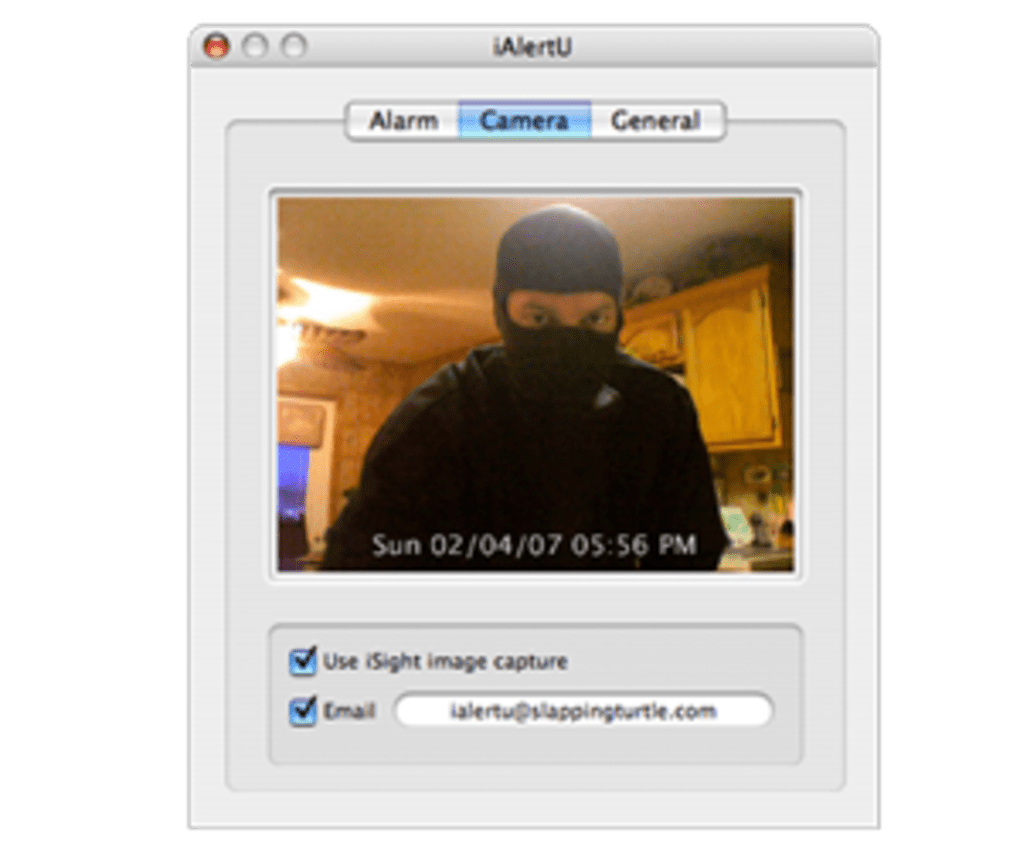
- Instant Photo Capture: Takes a high‑resolution snapshot with the iSight/FaceTime camera the second the alarm is triggered.
- Automated Email Alerts: Sends the captured image to a user‑defined email address, providing immediate evidence of a possible theft.
- Customizable Alarm Sounds: Choose from a library of built‑in sirens or upload your own .mp3/.wav files.
- Apple Remote Activation: Arm or disarm iAlertU with a single press of the Apple Remote, ideal for quick control.
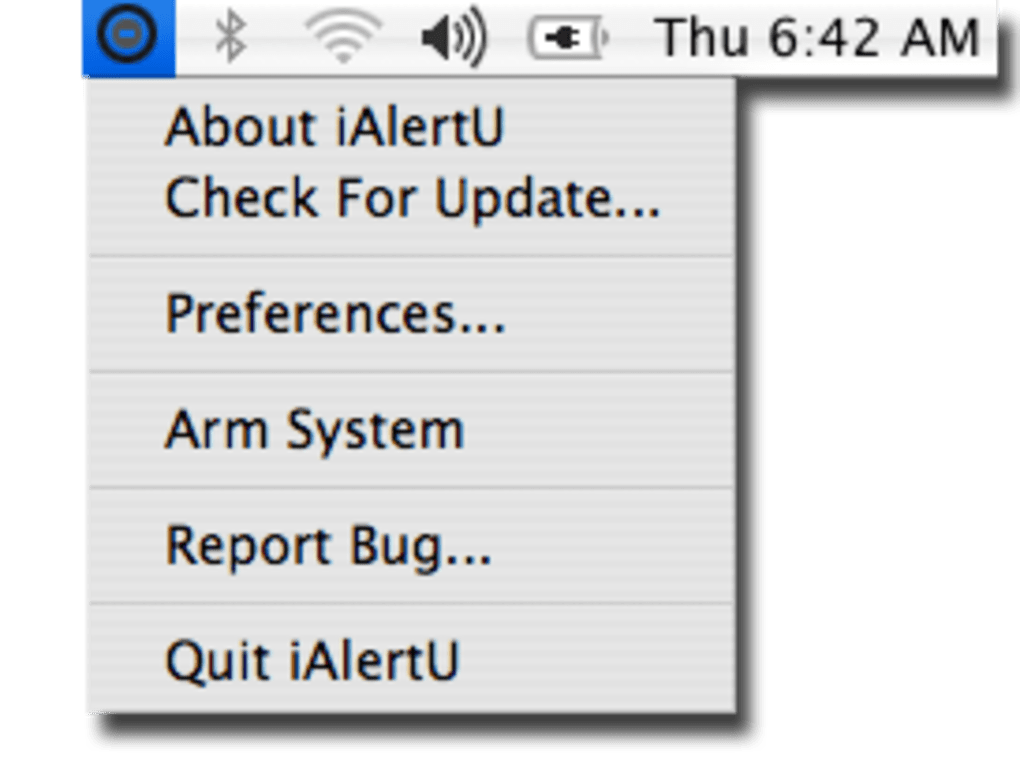
- Menu‑Bar Interface: All settings—arming status, alarm type, email configuration—are accessible from a compact menu‑bar icon.
- Open‑Source & Free: No hidden fees, no subscription; the source code is publicly available on GitHub for transparency.
- Low Resource Footprint: Runs in the background with negligible CPU and RAM usage, preserving battery life.
- Regular Updates: Community contributors continuously improve sound quality, fix bugs, and add compatibility for the latest macOS releases.
Installation & Usage Guide
Step‑by‑Step Installation
1. Download the latest release: Visit the official GitHub repository or the project’s home page and click the “Download iAlertU.dmg” button. The file is signed by the developer, so macOS Gatekeeper will recognize it as safe.
2. Open the DMG: Double‑click the downloaded file; a virtual disk will mount on your desktop. Drag the iAlertU icon into your /Applications folder.
3. Grant Permissions: The first launch will prompt you to allow access to the camera and microphone. Click “OK” and then go to System Preferences → Security & Privacy → Privacy to ensure “Camera” and “Microphone” are checked for iAlertU.
4. Enable Accessibility: To let iAlertU monitor the keyboard, you must enable “Accessibility” for the app under System Preferences → Security & Privacy → Privacy → Accessibility.
5.
Start the Application: Open iAlertU from the Applications folder or Launchpad. The app will place a small icon in the menu bar, indicating that it’s ready.
How to Arm, Configure, and Disarm iAlertU
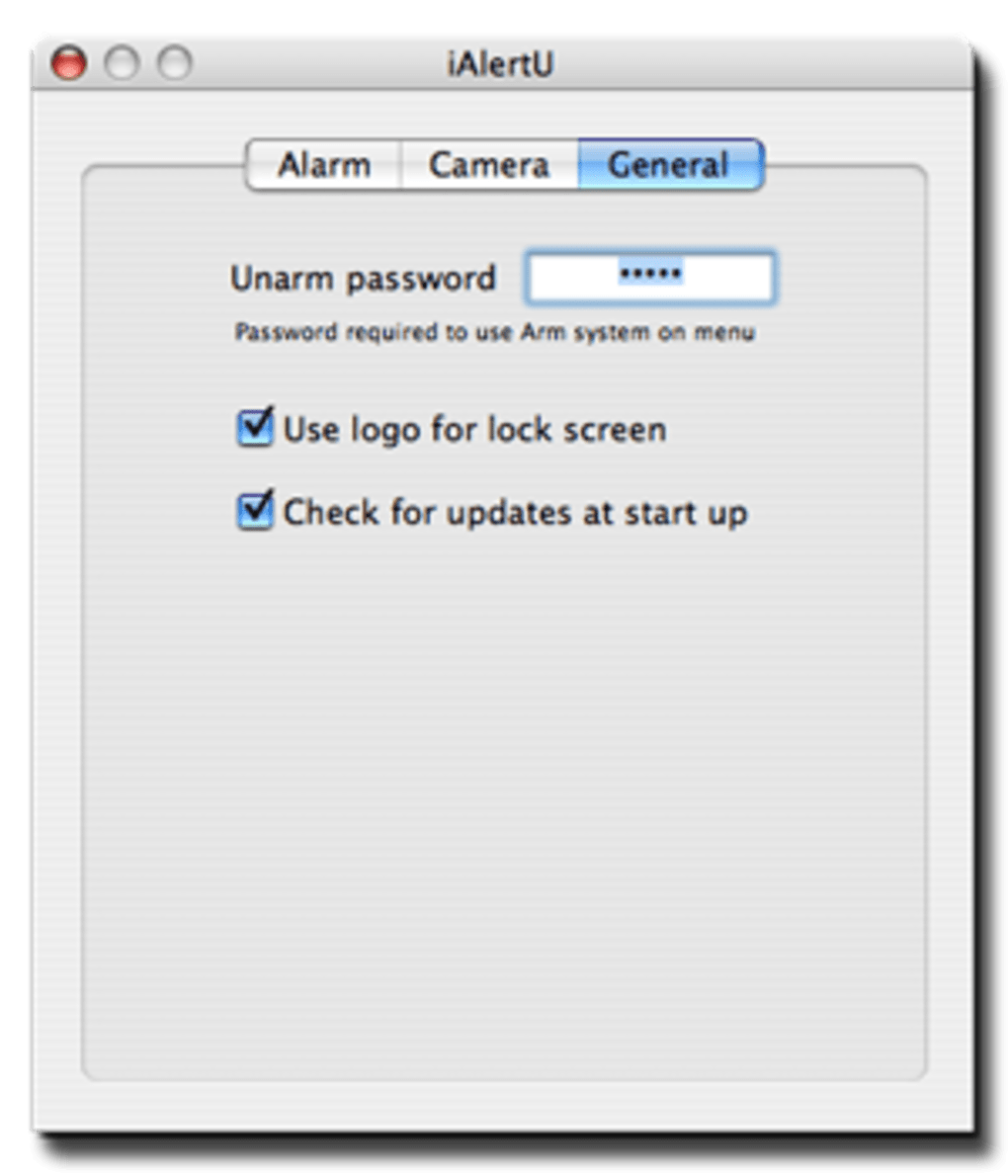
Once iAlertU is running, click the menu‑bar icon to reveal a dropdown panel. The first toggle, “Arm iAlertU,” activates the monitoring system. You can set the alarm type (sound only, sound + email, or silent snapshot) by selecting the “Alarm Mode” submenu.
To change the default sound, choose “Alarm Sound” and browse your music library or pick from the built‑in sirens. For email alerts, enter your SMTP server details, recipient address, and an optional message; iAlertU will test the connection before saving.
To arm the app with the Apple Remote, press the “Play/Pause” button (or any button you assign in the Remote Settings).
When the MacBook is moved or the keyboard is touched while armed, iAlertU will instantly play the chosen siren, flash the screen, and capture a photo. The image is saved in ~/Pictures/iAlertU and, if configured, emailed to you within seconds.
Disarming works the same way—click “Disarm iAlertU” in the menu or press the remote button again.
Remember to only arm iAlertU when you truly need protection, as false positives can occur if a pet or a curious child brushes the trackpad. The app also offers a “Grace Period” setting (default 5 seconds) to prevent accidental triggers when you’re briefly moving the laptop.
Compatibility, Pros & Cons
iAlertU is built for macOS 10.12 (Sierra) and later, including Monterey, Ventura, and the upcoming macOS Sonoma. The app takes advantage of the built‑in Sudden Motion Sensor, which is present on most MacBook models released after 2008. Older Macs without a motion sensor can still use keyboard and trackpad detection, but the motion‑based alarm will be disabled automatically. The software runs on both Intel‑based and Apple‑silicon (M1/M2) Macs without modification.
Pros
- Completely free and open‑source, eliminating subscription fatigue.
- Uses existing hardware; no extra dongles or external cameras needed.
- Highly customizable alarm sounds and email notifications.
- Low impact on system performance and battery life.
- Quick remote activation for users who travel frequently.
- Active community ensures regular updates and bug fixes.
Cons
- Relies on the Sudden Motion Sensor, which is absent on the newest MacBook Air models (2022+).
- False alarms can occur if the device is jostled unintentionally (e.g., in a bag).
- Requires manual configuration of email SMTP settings for alerts.
- No built‑in GPS tracking; the app only records a snapshot, not location.
- Interface is functional but not as polished as commercial security suites.
Overall Rating: 4.5/5 – iAlertU delivers solid protection for a free tool, with minor limitations on newer hardware.
Frequently Asked Questions
Is iAlertU compatible with macOS Ventura and later?
Yes. The developers have released updates that address changes in macOS Ventura, Monterey, and the early builds of macOS Sonoma. The app works on both Intel and Apple‑silicon Macs running these versions.
Do I need an external webcam for iAlertU to capture photos?
No. iAlertU uses the built‑in iSight/FaceTime camera that comes with every MacBook. If the lid is closed, the camera is still able to capture a snapshot as soon as the alarm is triggered.
Can I set a silent mode that only records a photo without sounding an alarm?
Absolutely. Within the “Alarm Mode” menu you can select “Silent Snapshot.” The app will take a picture and email it (if configured) but will not emit any audible alert.
How secure is the email transmission of the captured image?
iAlertU uses standard SMTP over TLS (if your provider supports it). The image is sent directly from your Mac to the destination address; no third‑party servers store the file.
Will iAlertU drain my battery while running in the background?
Battery impact is minimal. The app only polls the motion sensor and monitors input events at a low frequency. Users typically see less than a 2% drop in daily battery life when iAlertU is armed.
Conclusion & Call to Action
iAlertU fills a crucial security niche for MacBook owners who need a lightweight, cost‑free solution to deter theft and capture evidence. By harnessing the built‑in motion sensor, keyboard, trackpad, and camera, it transforms an ordinary laptop into a vigilant guardian without compromising performance or battery life. The open‑source nature ensures transparency, while the active community keeps the software up‑to‑date with the latest macOS releases. Although it lacks GPS tracking and can generate false alarms in very busy environments, the benefits far outweigh these minor drawbacks for most users.
If you’ve ever left your MacBook unattended in a coffee shop or on a shared desk, give iAlertU a try. Download the free installer, configure your preferred alarm settings, and enjoy the peace of mind that comes with knowing your device will sound the alarm—and even send you a photo—if someone tries to take it. Protect your investment today and join the growing community of Mac users who trust iAlertU for simple, effective anti‑theft protection.
Click here to download iAlertU now and start securing your MacBook for free.







